Do you put your MacBook to sleep? Did you know it doesn’t fully sleep but effectively keeps one eye open? It’s true and there is a name for it: DarkWake.
DarkWake is a macOS feature where, while the computer’s lid is closed and you’ve effectively put it to sleep, it technically “opens its eyes” every hour for about 45 seconds. If you have jobs that run on a schedule (a backup, a scan, a report), a missed run can fire during this window whether you meant it to or not. You can see your own wake windows with pmset -g log | grep DarkWake, and they show up even with Power Nap turned off.
At times this can be nice, but in my case it resulted in a multi-day search for the root cause of the issue.
The issue
I have flags in my system to alert me when there is a failure, and they were going off and staying on for multiple days. Claude Code and I dug in, but what we found on the surface wasn’t the full picture.
At the time I had about 18 scheduled jobs. One run started on Oct 8th but never finished. It kept stopping and resuming for the next 3 hours, and a browser action specifically died each time due to timeouts. On the surface, it looked like a clear bug in the code.
However, this job was trying to run during the “maintenance only” DarkWake while the display was off. It became a problem when the job itself lasted more than the 45-second window and froze when it went back to sleep, only to wake again an hour later to expired connections and timeouts galore.
The first fix
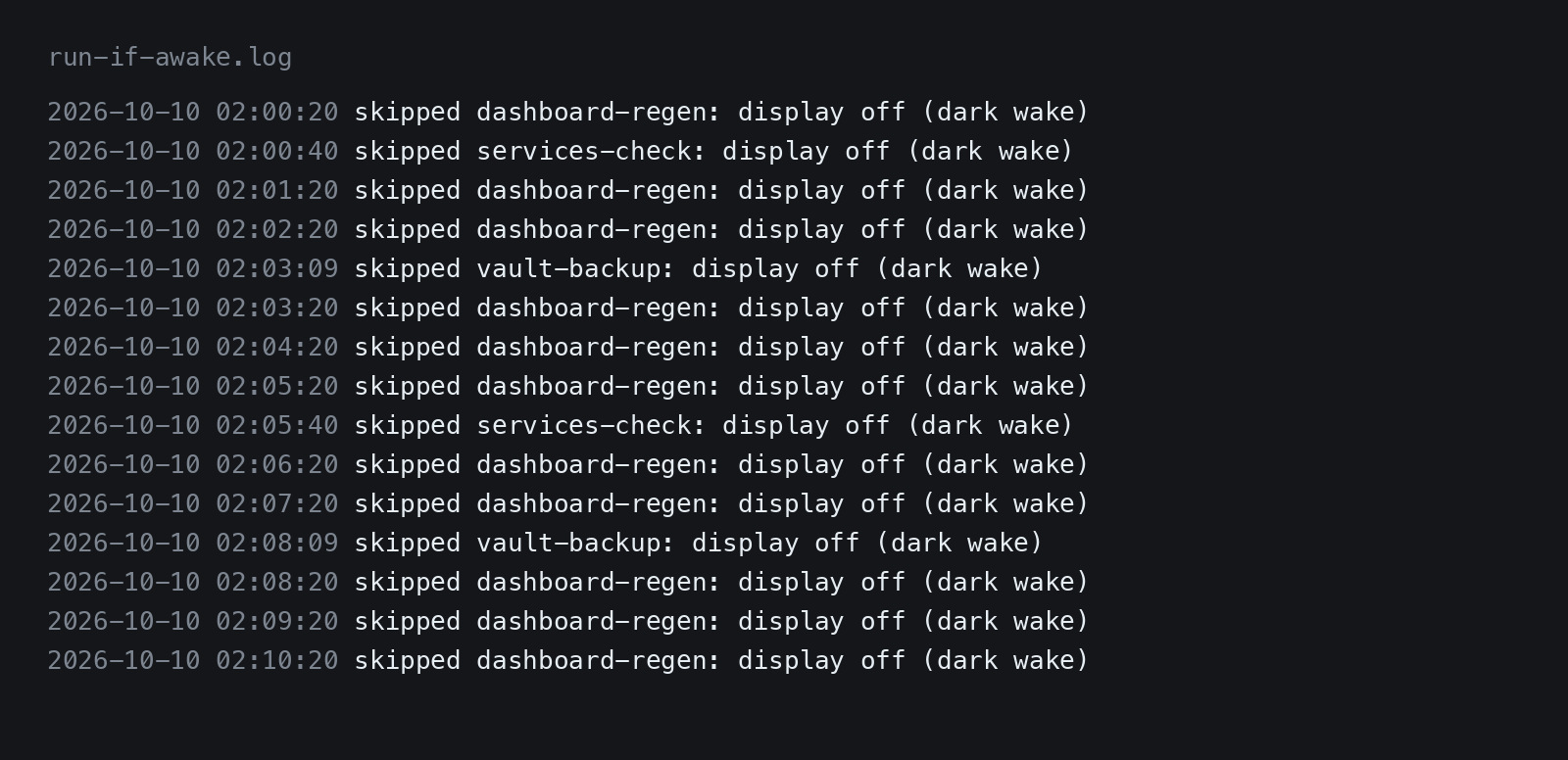
After digging deeper and learning about DarkWake, the solution seemed simple: nothing starts during that window, only when the display is on (a person is at the Mac, me). We implemented a small guard script that sat in front of the 18 jobs and checks display power state. If the display is off, it logs the skip. A second job that runs every 2 minutes checks whether the display is on and re-runs the skipped jobs in the log.
We tested this with faked scenarios and it passed.
The second problem
When I returned to the Mac the next morning, the overnight check showed every guarded job skipping but we noticed another problem: there were hundreds of skips PER JOB showing in the log. Something was restarting those jobs in a loop. We immediately thought launchd was the culprit. Perhaps it restarts jobs if they exit too quickly?
But that was wrong. The real cause was a different always-on job we had written called network-watch. Its purpose was to retry failed or missed checks once the internet came back, so it was supposed to wait for the connection to change. But the command didn’t actually wait, so the job retried about every 10 seconds, which kept restarting the jobs the guard was skipping.
The fix was to make network-watch only act when the display is on as well, and to stop it retrying over and over. Now it retries only when the connection actually changes, or every 5 minutes as a backup.
Two lessons
Lesson 1: Scheduled jobs and a computer you let sleep don’t play nice together out of the box. Decide up front what should happen when nobody is there and the lid is closed.
Lesson 2: A new symptom after a fix doesn’t mean the fix failed. Sometimes it simply leads you to the next bug.